Import every athlete
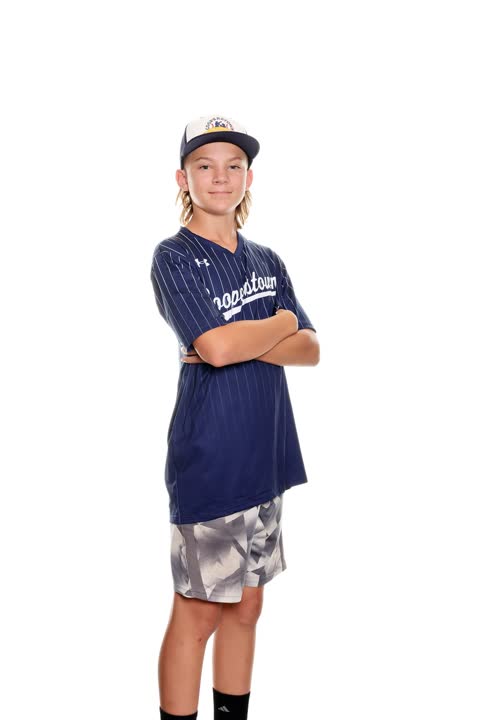
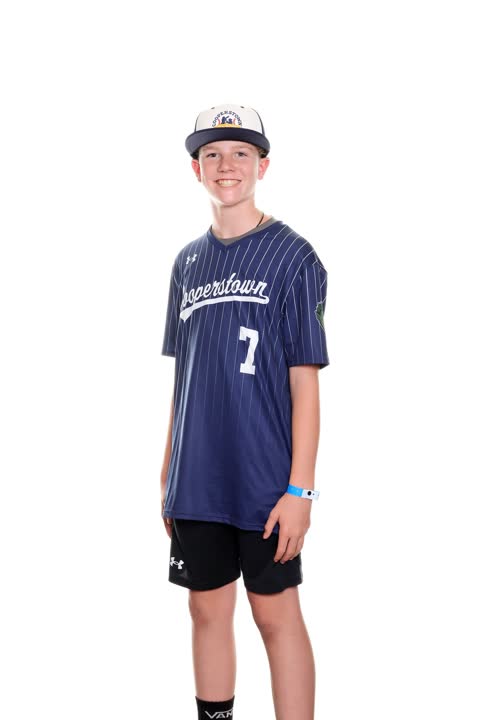
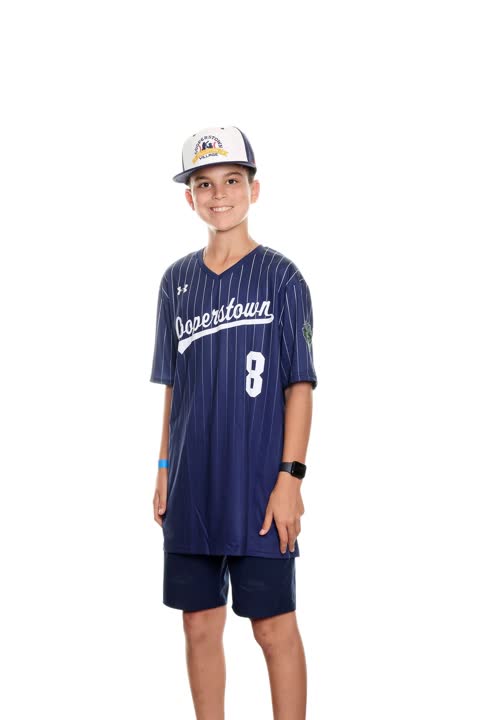
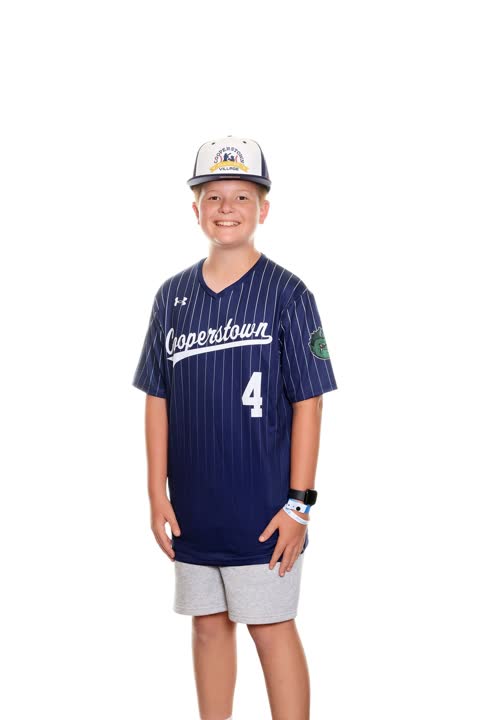
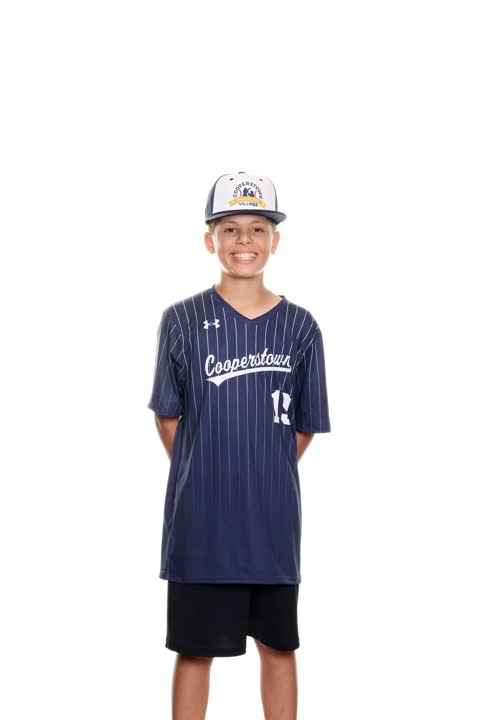
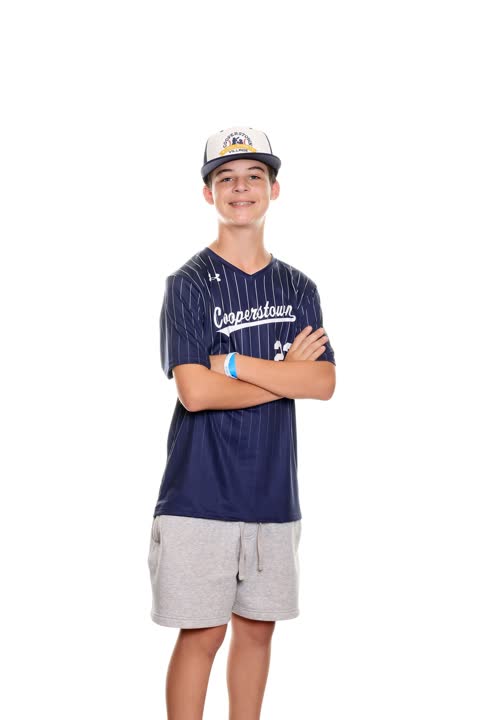
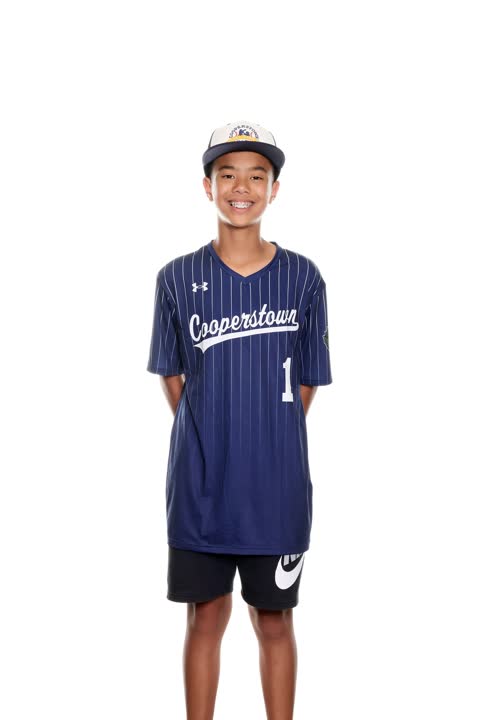
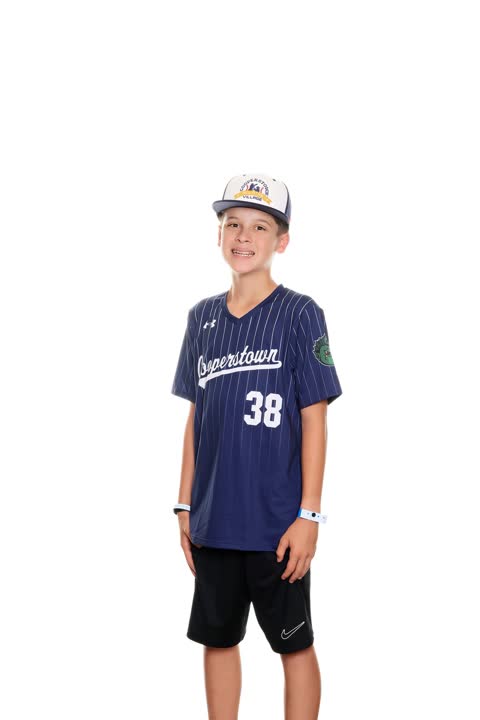
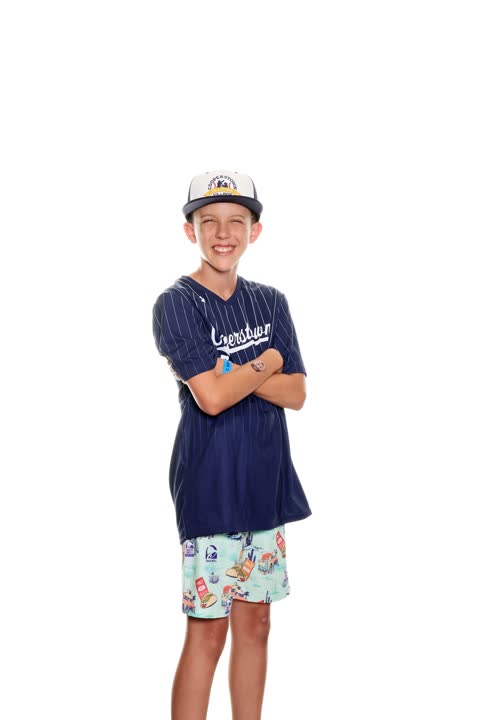
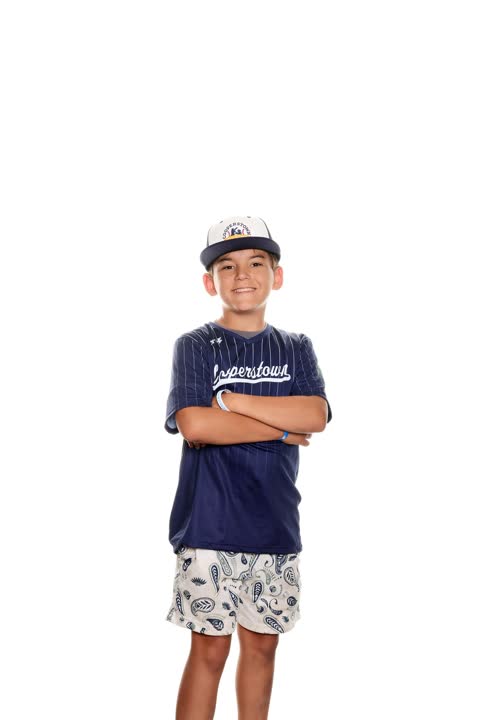
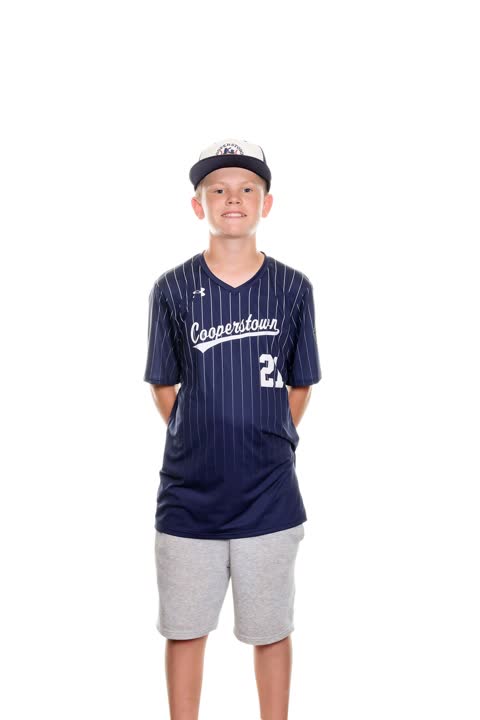

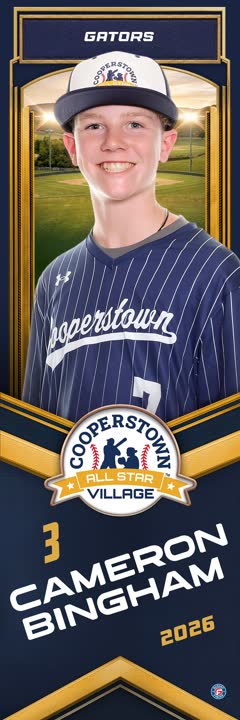



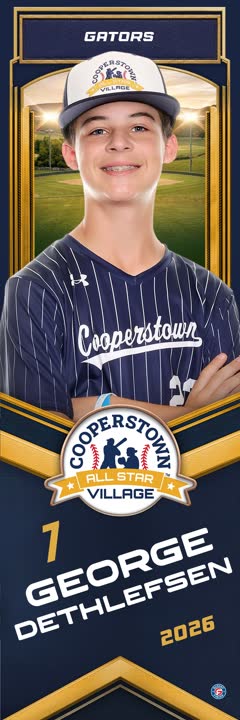





Every sport. Every product.
Baseball, cheer, softball, volleyball — the day's photos become everything you sell. Panos, banners, trader cards, glam portraits — your templates, your branding, every athlete's name and number.

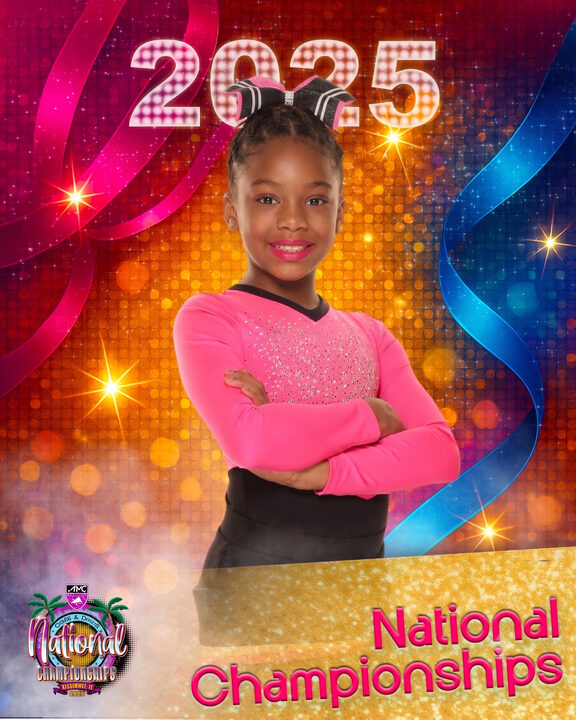
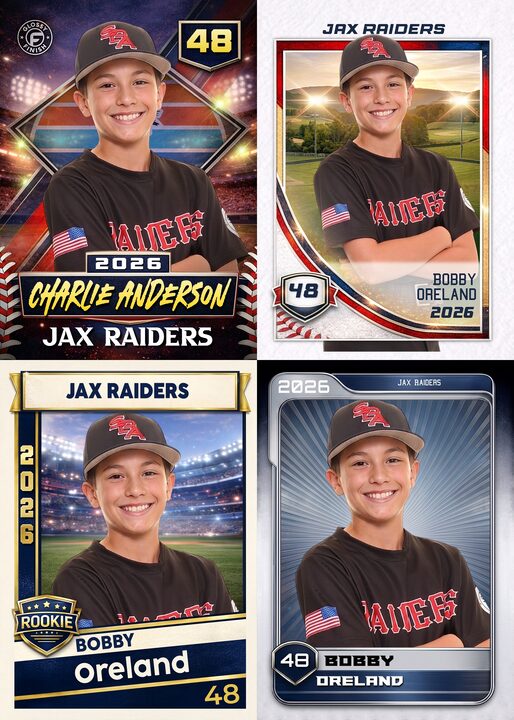



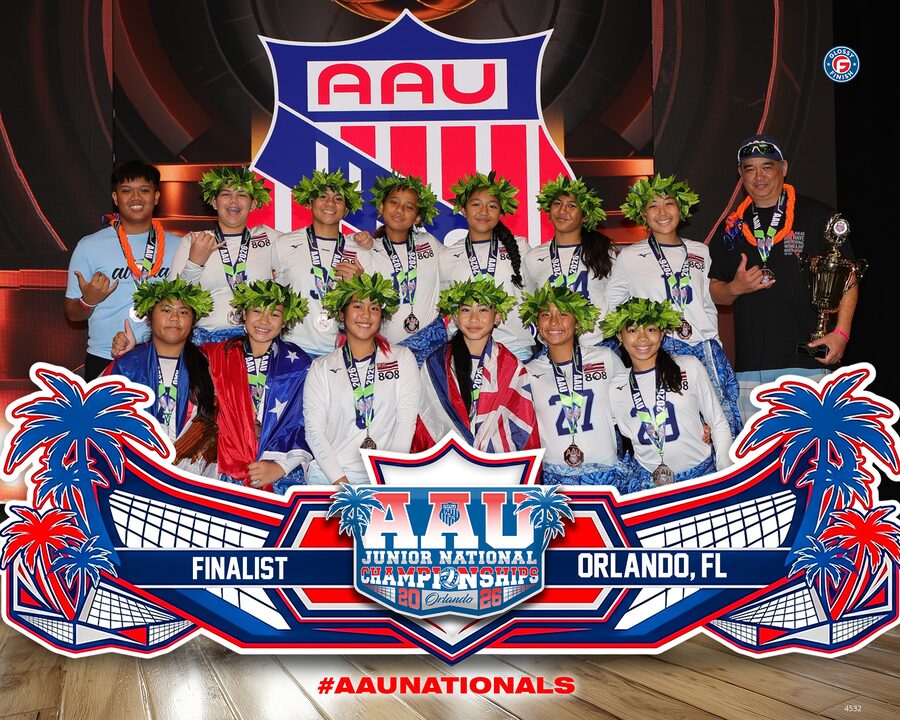

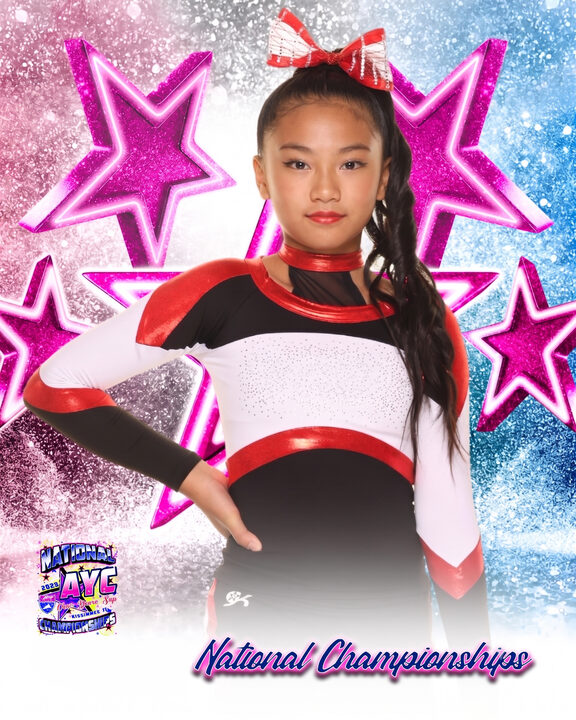
From capture to counter, in four steps
Built around how an event day actually flows — not a generic design tool bolted onto your day.
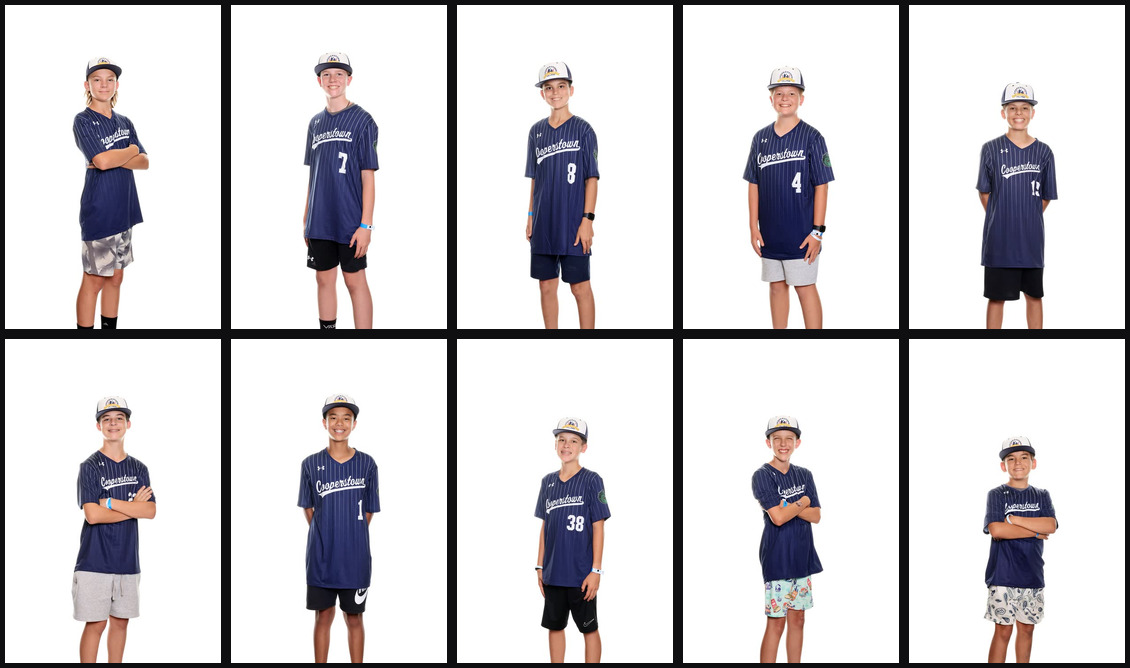
Tether in, or drag and drop
Capture with Templified Tether and every photo arrives tagged with the athlete's name, number, and team. Or drag in a batch off the card and match a roster CSV by filename.
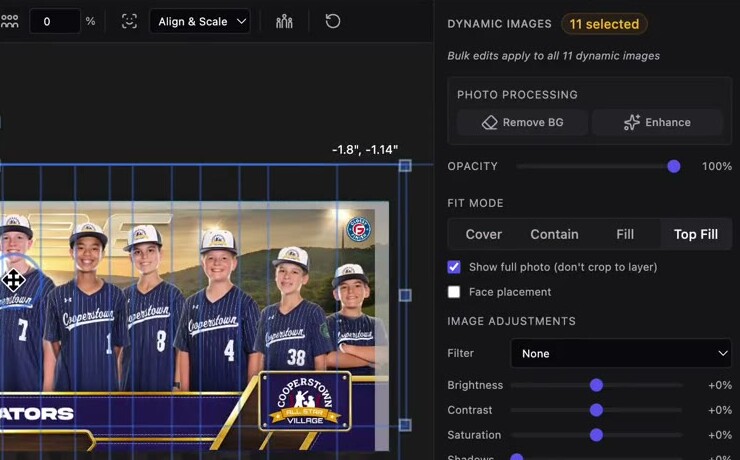
Remove backgrounds
One click cuts each subject out and corrects lighting. Process a photo once and it's ready for every composite — and never charged twice.
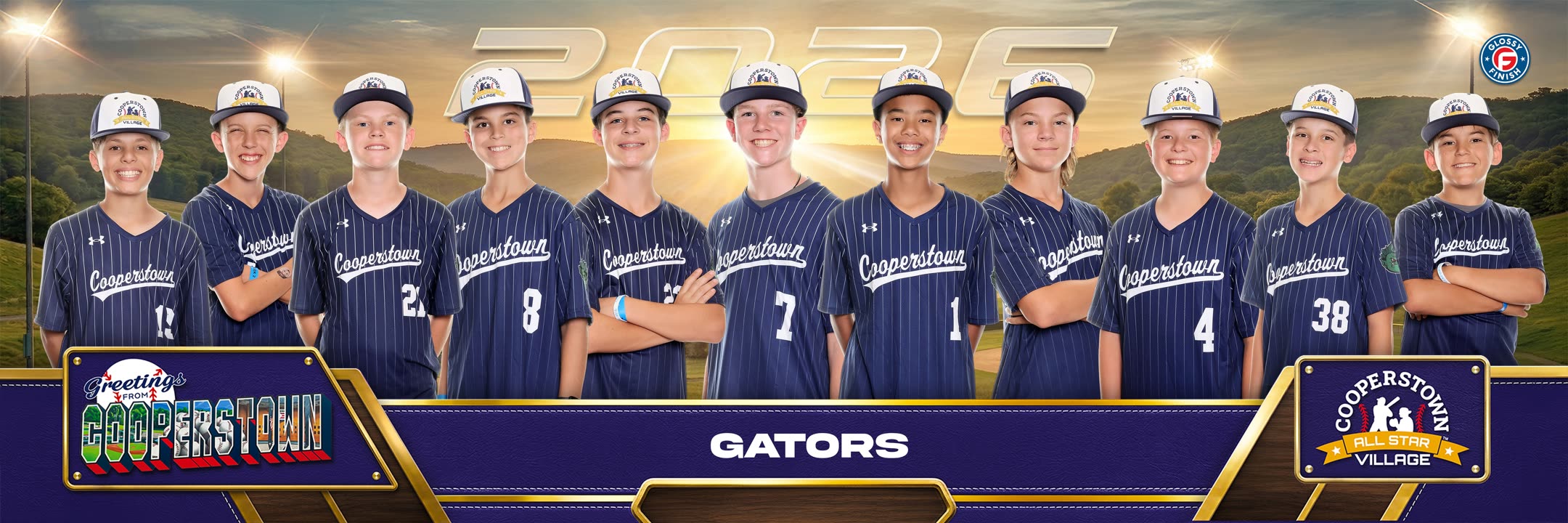
Render one or many composites
Fill your own templates — panos, posters, team photos — with each photo and athlete's details. Faces size and align automatically, so render one or a thousand and every face lines up.
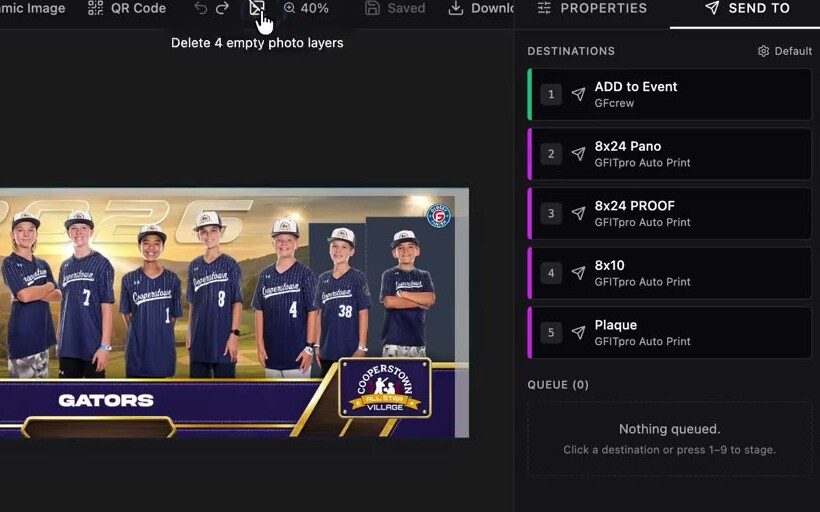
Print on site or send it out
Print right at the event, or send finished composites to your lab, your gallery system, Dropbox, or a webhook. Stage the whole event in the queue and hit "Send all."
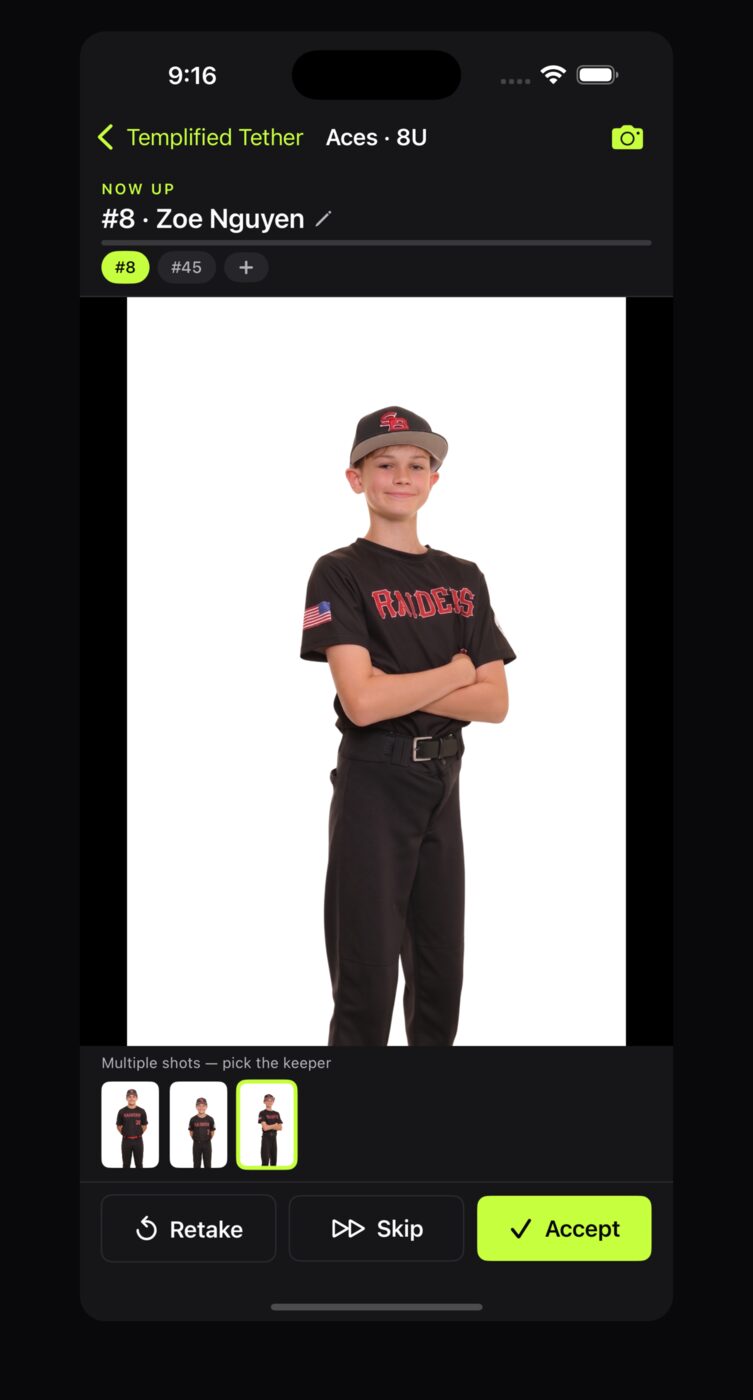
Run the event from the sideline
Tether is the companion app for iPhone and iPad. Your crew signs in with their normal Templified account and they're connected — every capture goes straight into your automation. Nothing to set up, no URL to copy, no key to paste.
The roster in your pocket
Pick the event, pull up its teams and age groups, and choose the athlete before you photograph them. Someone missing? Add them from the app and the roster updates back in Templified.
Retakes replace, they don't duplicate
Every player carries a barcode, so a second capture matches the athlete already in the design and swaps their photo — instead of filling another open slot and putting the same kid on the team photo twice.
Every capture starts a flow
Photos arrive tagged with the event, team, age group, name, number and time — ready for background removal, rendering and delivery before you've packed up.
Free with your Templified account. Works from events you build in Templified, or your GFcrew events once a GFIT key is connected.
Everything a high-volume
photo shop needs
Automate the whole job, fine-tune any design, and run it from wherever your crew is — built for the days you're processing hundreds of subjects, not one.
Build the pipeline once with Flow
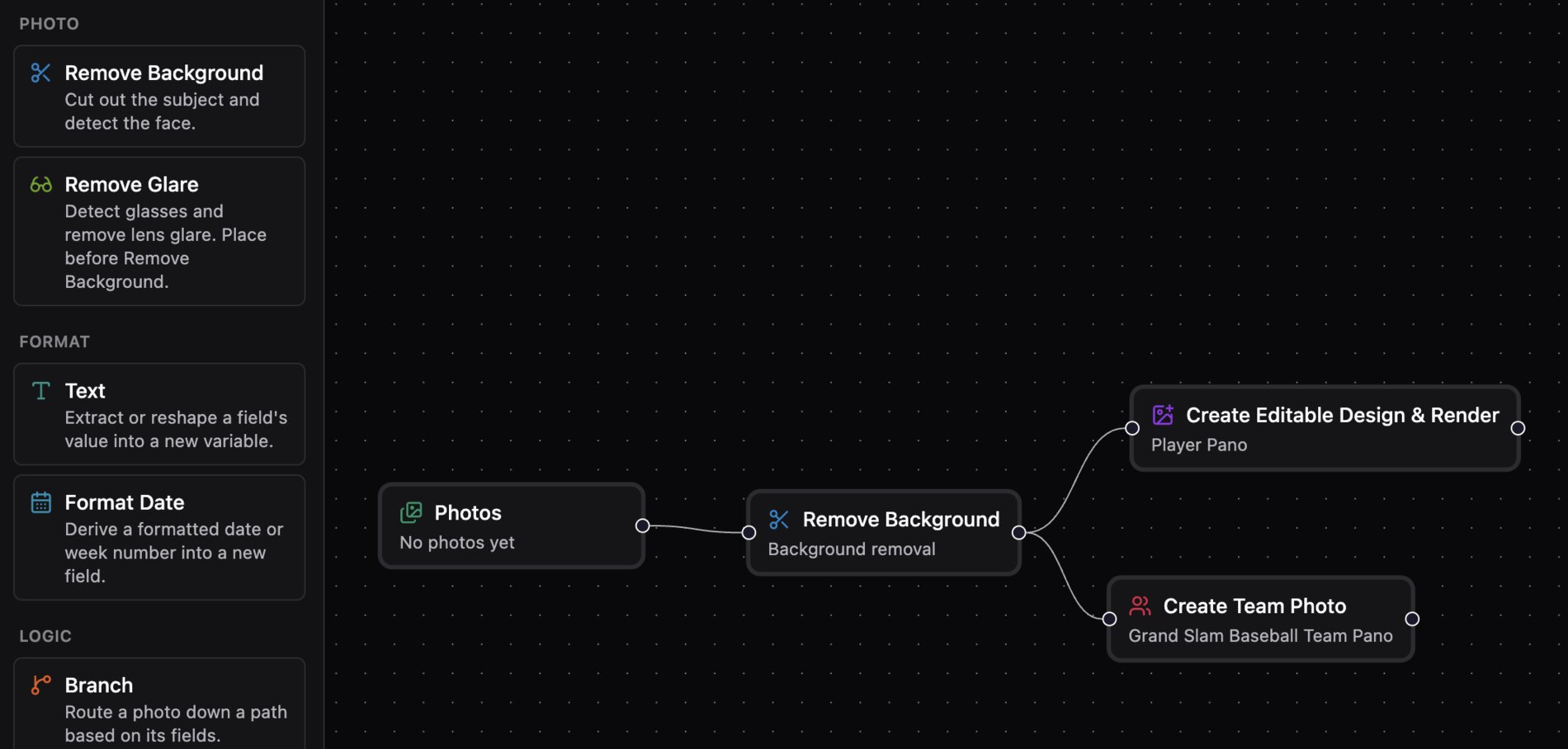
Flow is a drag-and-drop canvas for wiring up a whole job. Chain steps — remove background, render a template, build a team photo, send to a destination — and run them all at once. Trigger a run by hand by dragging photos in, or automatically: tethered capture through GFcrew and GFITpro, a Zapier step, or your own app pointed at a per-flow webhook.
- ▸ Per-photo data from a CSV, matched by filename
- ▸ A {variable} picker that knows your columns and step outputs
- ▸ Run history with per-step status and thumbnails
A studio-grade editor
Layer folders, multi-select and bulk edits, alignment tools, brightness/contrast/temperature sliders, poster-style frames, and richer text — gradients, tracking, and line spacing. Your fonts render exactly as designed, and edits to an in-use template stay private until you Publish.
One workspace, any machine
Templified runs in the browser. A designer polishes templates from home while the crew renders and prints at the field, in the same workspace, with nothing to export or sync.
Plugs into the tools you
already run on
Templified sends finished designs out to where your business lives. These are integrations — connect the ones you use.
Studios connected to GFcrew or GFITpro get extra tools — send a finished design straight to GFcrew so a customer can buy it, or park a print in a queue the GFITpro desktop app prints automatically. These are partner integrations, available once a partner account is connected.
Pay only for what you render
No subscription, no seats. Pre-fund a balance and we deduct as you go — and your free trial gets you through a first job before you ever add a card.
Renders
Every rendered image — single or bulk, Studio or API. You're charged only when a render actually runs; cache hits, retries, and the low-res editor preview are always free.
Background removal
Added only when a render uses background removal. Charged once per unique photo — re-rendering the same processed image is free.
25 free renders to start. No card required.
Fund a balance, then deduct as you go. One checkout saves your card and funds it.
Set a trigger so you never get blocked mid-batch. Optional, off any time.
Get 500 free renders
For every photographer you bring to Templified. Send them your link and you both come out ahead.
free renders for you when they spend $20 in their first 90 days
free renders for them to start, instead of 25
referrals a year, each one paid out
Free renders are added to your balance. Add a card to your account to use them.
Running a big season? Get in touch about volume.
Stop building panos one at a time
Drop in your next event and watch a full set of prints come out the other side.
25 free renders. Sign in with Google — no credit card required.